The Challenge
For an established creative team, software doesn't stand still.
Adobe applications continually introduce new features, workflows and ways of working, and teams need to periodically step back and reassess how they are using those tools.
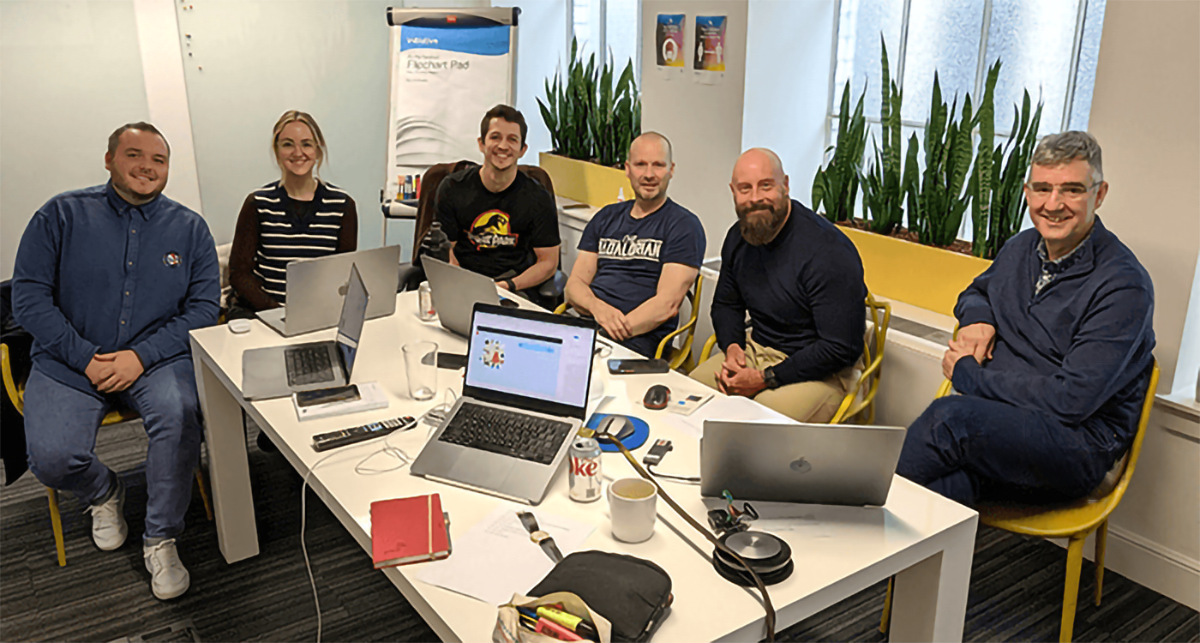
STV's team already had experience producing professional creative content, but the training provided an opportunity to bring existing skills up to date while examining how the team worked collectively.
The challenge wasn't simply learning another set of buttons and features.
It was about asking:
How can the team work more efficiently together?
How can creative assets be shared rather than recreated?
How can existing work become a resource for future projects?
And importantly:
How can the team maintain consistency while still allowing individual creatives to work efficiently?
The Approach
The training doubled down on some of the features within the Adobe ecosystem that can make a significant difference to collaborative creative production.
Rather than treating After Effects and Premiere Pro as isolated applications, the training explored how they could form part of a shared creative workflow.
A particular focus was placed on:
Adobe Projects
Exploring how projects can be structured and managed more effectively, helping creatives work with a clearer understanding of assets, compositions and project organisation.
The aim was to make projects easier to understand, maintain and hand over — particularly important when multiple creatives may need to work with the same content.
Adobe Libraries
Libraries became an important part of the collaborative workflow.
Rather than assets being locked away inside individual projects, the team explored how commonly used creative resources could be made available for reuse.
Brand elements, graphics, colours, logos and other creative assets can become shared building blocks, helping teams maintain consistency while reducing unnecessary duplication.
MOGRT Files
A major part of the training focused on Motion Graphics Templates (MOGRTs).
For a team working between After Effects and Premiere Pro, MOGRTs provide a powerful way of turning After Effects motion design into reusable, editable templates for editors.
Instead of recreating the same animation repeatedly, the team could consider how frequently used creative elements could be developed once and then made available as flexible templates.
This creates an important shift:
From creating individual animations to building reusable creative systems.
Templates
The training also explored the wider potential of templates within the team's workflow.
Templates can provide a starting point for recurring content while allowing individual creatives to make the changes required for a specific production.
For STV, this meant considering how recurring creative requirements could become structured, reusable assets rather than starting from scratch every time.
From Individual Skills to Team Capability
One of the most important aspects of the training was recognising that improving a team's creative capability isn't necessarily about making every individual an expert in every application.
It's about creating a workflow where the expertise of one creative can benefit the wider team.
A designer might create an animation in After Effects.
That animation can become a MOGRT.
The MOGRT can then be used by an editor in Premiere Pro.
A brand asset can be stored in a shared Library.
A template can provide the foundation for the next production.
The result is a workflow where creative knowledge and assets can move between people rather than remaining isolated within individual projects.
Keeping the Team Current
Technology moves quickly, particularly within the creative industries.
For experienced practitioners, professional development isn't about starting again from scratch. It's about understanding what has changed, what has become possible and where new features can improve an existing workflow.
The STV training provided the team with space to step away from their day-to-day production pressures and explore these developments properly.
The focus was therefore as much on future-proofing the team's workflow as it was on learning individual techniques.
By understanding newer Adobe features and collaborative approaches, the team could continue developing their existing skills while adopting more efficient ways of working.
The Bigger Picture
The most valuable outcome of software training isn't necessarily knowing more features.
It's knowing how those features can change the way a team works.
For STV, the training brought together After Effects, Premiere Pro, Projects, Libraries, MOGRTs and templates as components of a wider creative workflow.
The goal was to encourage a more cohesive approach to production — one where assets could be shared, creative work could be reused and individual contributions could become part of a wider team resource.
It's a shift from:
“How do I make this?”
to:
“How can we build this so the whole team can use it?”
That distinction is increasingly important for modern creative departments.
The Result
The training gave STV's creative team the opportunity to refresh and extend their existing Adobe knowledge while looking at the bigger picture of collaboration, consistency and efficiency.
By focusing on Projects, Libraries, MOGRT files and templates, the team could explore ways of reducing duplicated effort and creating a more connected production environment.
The result wasn't simply an increase in software knowledge.
It was an exploration of how creative technology can become a shared team infrastructure.
A stronger workflow where creatives can build on each other's work, editors can access professionally designed motion graphics, and recurring creative requirements can be transformed into reusable assets.